
What Is Access Control? Enterprise Guide
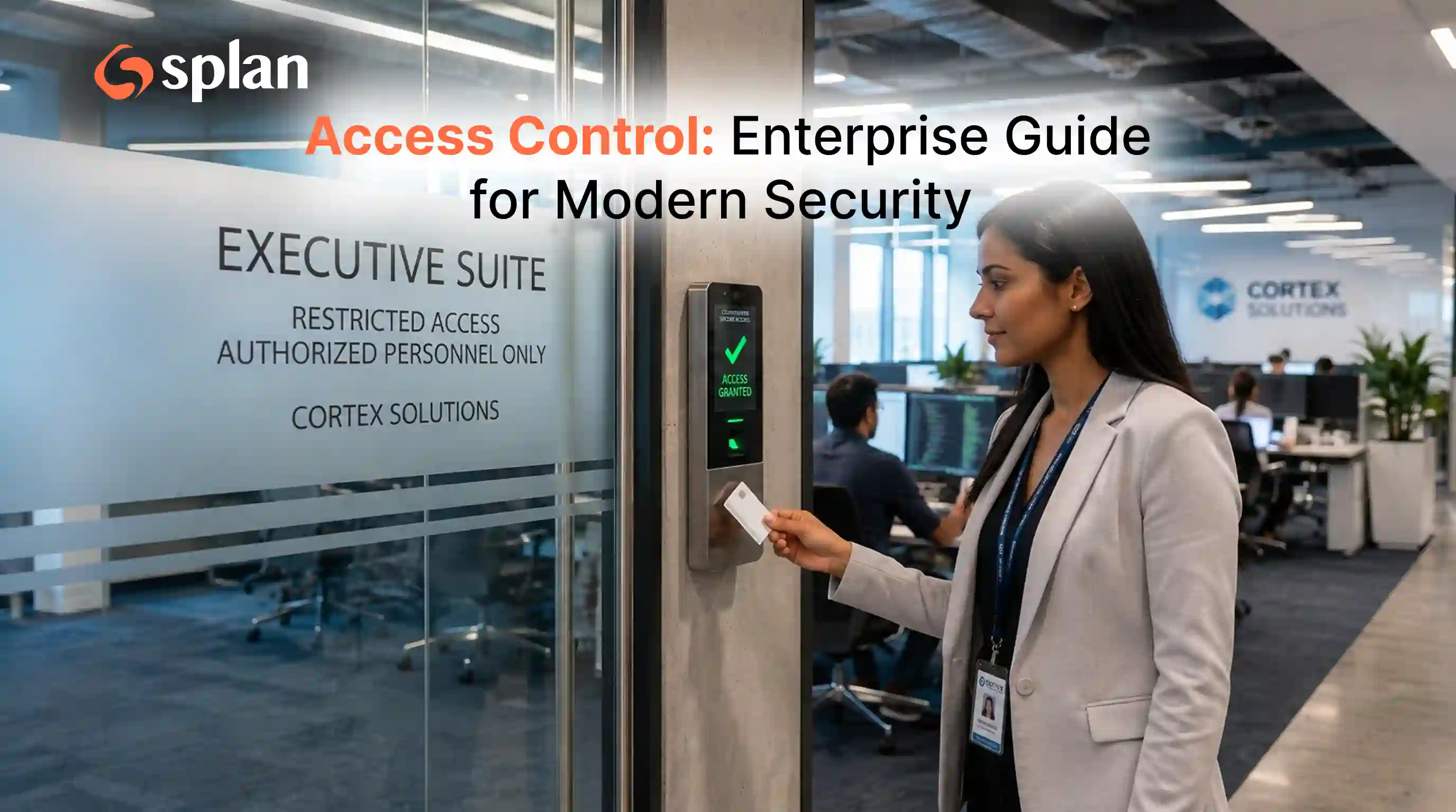
In today’s hyper-connected business landscape, safeguarding your company’s assets is no longer as simple as locking the front door and issuing a few passwords. Modern organizations face a complex web of security challenges that span both the physical and digital realms. Whether you are protecting proprietary code, customer databases, or the server room on the third floor, you need a cohesive strategy.
Welcome to the definitive access control: enterprise guide. This comprehensive walkthrough will demystify how large-scale organizations can seamlessly secure their facilities, networks, and data. By blending cutting-edge technology with proven security frameworks, you can empower your workforce to operate efficiently without compromising safety.
Here is everything you need to know about building, scaling, and managing an access control enterprise environment.
The Foundations of Enterprise Security
To understand the scope of modern security, we must first address a basic question: what is access control entry, and how does it function at an enterprise level?
At its core, an entry in this context refers to the specific point whether a literal door or a digital login screen where a system evaluates a user's credentials before granting or denying entry. Access control is the overarching security technique that regulates who or what can view, use, or interact with resources in a computing environment or physical facility.
In an enterprise setting, access control security is divided into two primary categories:
Physical Access: Limiting access to campuses, buildings, IT rooms, and individual offices.
Logical Access: Regulating connections to computer networks, system files, cloud applications, and sensitive data.
An effective enterprise strategy does not treat these as isolated silos. Instead, it merges them into a unified access control system that monitors the entire scope of user activity.
Bridging the Gap: Physical Security in a Digital World
Despite the massive shift toward cloud computing, securing your physical premises remains a critical priority. Physical access management involves controlling the movement of employees, visitors, and contractors throughout your physical locations.
Traditional lock-and-key systems have been entirely replaced by intelligent access control systems. These systems utilize smart badges, mobile credentials, and sophisticated hardware to ensure that only authorized personnel enter restricted areas.
The Rise of Biometrics
One of the most significant advancements in physical security is biometric authentication in commercial buildings. Relying on unique biological traits such as fingerprints, facial recognition, or iris scans, biometrics eliminate the risks associated with lost keycards or shared PINs. For enterprises, integrating biometrics at high-security checkpoints (like data centers or executive suites) ensures absolute identity verification.
Meeting Compliance Standards
Physical security isn't just about keeping intruders out; it’s also a legal requirement. Regulatory compliance for physical security is heavily scrutinized under frameworks like SOC 2, HIPAA, and PCI-DSS. These regulations mandate strict controls over who can physically approach servers or workstations housing sensitive data. Failure to maintain and document physical security can result in severe fines and loss of client trust.
Mastering Identity Access Management (IAM)
While physical systems protect your hardware, identity access management (IAM) protects your digital kingdom. IAM is the framework of policies and technologies ensuring that the right users have the appropriate access to technology resources.
Following identity and access management best practices is non-negotiable for large organizations. The foundation of this lies in automating employee lifecycle management.
Onboarding: When a new hire joins, automated systems instantly provision them with the exact physical credentials and software licenses they need based on their department.
Role Changes: If an employee moves from Marketing to HR, their access permissions are automatically updated, granting new access while revoking the old.
Offboarding: The moment an employee departs, automation instantly terminates all physical and digital access, neutralizing the risk of a disgruntled former employee accessing company data or facilities.
Single Sign-On (SSO) and Its Hurdles
To improve user experience, most enterprises utilize SSO, allowing employees to log in once to access all their applications. However, organizations often face single sign-on integration challenges, particularly when dealing with legacy on-premise software that doesn't support modern protocols like SAML or OIDC. Overcoming these integration hurdles requires careful vendor selection and sometimes building custom API bridges to ensure seamless, secure access across all platforms.
Choosing the Right Access Control Models
An enterprise cannot simply assign permissions randomly. You need a structured framework. Understanding how to assign access efficiently requires comparing the most dominant models in the industry.
Role-Based vs. Attribute-Based Control
When structuring user permissions, security architects usually lean on either RBAC or ABAC. Let’s look at an RBAC vs ABAC comparison to understand their enterprise applications.
Role-Based Access Control (RBAC): Successful role-based access control implementation involves assigning permissions based on a user's specific job function (e.g., "HR Manager," "Financial Analyst," "IT Admin"). If you belong to the HR group, you automatically get access to payroll systems.
Pros: Easy to administer, predictable, and highly scalable for standard enterprise functions.
Cons: Can lead to "role explosion" where large companies end up with thousands of highly specific, difficult-to-manage roles.
Attribute-Based Access Control (ABAC): ABAC evaluates a set of rules and attributes before granting access. Attributes can include user details (clearance level), environment context (time of day, location), and resource specifics (data sensitivity).
Pros: Highly dynamic and granular. You can create a rule that says, "Finance managers can only access payroll databases during business hours, from a company-issued device, while located within the United States."
Cons: Complex to implement and requires significant processing power to evaluate rules in real-time.
Many modern enterprises use a hybrid approach, using RBAC for broad baseline permissions and ABAC to secure highly sensitive resources.
The Principle of Least Privilege
Regardless of the model you choose, you must adhere to core security doctrines. If you ask any security engineer, "what is the principle of least privilege?" they will tell you it is the golden rule of access control.
This principle dictates that a user, program, or process should only be granted the bare minimum permissions necessary to perform their specific job, and nothing more. By severely restricting access, you limit the "blast radius" if an account is compromised.
For the most sensitive accounts — such as system administrators or C-suite executives — standard IAM is not enough. Enterprises must deploy privileged access management solutions (PAM). PAM platforms isolate the use of privileged accounts, often requiring administrators to "check out" credentials for a limited time and recording their sessions to ensure they are not abusing their high-level access.
Modernizing Security for a Distributed Workforce
The traditional enterprise perimeter is dead. With the rise of remote work, cloud computing, and mobile devices, your employees are logging in from coffee shops, home offices, and airport lounges.
Zero Trust Architecture
Because the perimeter has dissolved, organizations are rapidly adopting a zero trust security architecture. The philosophy behind zero trust is simple: "Never trust, always verify."
In a traditional network, anyone who successfully logged into the corporate VPN was largely trusted to move laterally across the network. Zero trust assumes that the network is already hostile. It demands continuous verification of the user's identity, device health, and location before granting access to every individual application, drastically reducing the threat of internal breaches.
Securing the Remote Workforce
Figuring out how to secure remote network access is a top priority for IT leaders. Legacy Virtual Private Networks (VPNs) are proving too slow and too vulnerable for modern needs. Instead, enterprises are shifting toward Zero Trust Network Access (ZTNA) solutions, which connect users directly to specific applications rather than the entire corporate network.
Furthermore, remote access requires rigorous authentication. Implementing multi-factor authentication for corporate environments is no longer optional; it is a fundamental requirement. Relying solely on passwords is a recipe for disaster. MFA requires users to provide two or more verification factors — such as a password (something they know) combined with a push notification to their smartphone (something they have) or a fingerprint scan (something they are).
Infrastructure and Architecture: Building for Scale
As an enterprise grows, its security infrastructure must grow with it. Scaling cloud-based security systems is much easier today than it was a decade ago. Cloud-native access management allows enterprises to add thousands of new users, integrate newly acquired companies, and deploy security updates globally with a few clicks.
Centralized vs. Decentralized Access Control
When designing your architecture, you will face the centralized vs decentralized access control debate.
Centralized Systems: All access requests are routed through a single, central server. This makes policy management incredibly simple, as an administrator can update a rule in one place and apply it globally. However, it creates a single point of failure; if the central server goes down, access across the enterprise halts.
Decentralized (Distributed) Systems: Access decisions are made locally at the edge (e.g., a localized server in a regional branch office). This increases resilience and reduces latency, but it requires diligent synchronization to ensure access policies are consistent across all locations.
Most large enterprises utilize a hybrid approach: centralized policy management pushed out to decentralized, edge-computing decision points.
Visibility and Auditing
You cannot secure what you cannot see. A robust access control system provides deep visibility into your network and physical facilities.
This is achieved through real-time audit trail monitoring. Every time a badge is swiped at a door, every time an API key accesses a database, and every time an employee logs into the cloud portal, the system logs the event. Real-time monitoring tools utilize artificial intelligence to analyze these logs, instantly flagging anomalous behavior. If an employee's credentials are used to badge into the New York office, and ten minutes later the same user attempts to download massive files from an IP address in Eastern Europe, the system will instantly recognize the impossibility of this scenario and automatically lock the account.
Practical Steps for Enterprise Implementation
Transitioning to an enterprise-grade access control framework does not happen overnight. It requires meticulous planning and cross-departmental collaboration. Here are actionable steps to elevate your security posture:
Conduct a Comprehensive Audit: Before implementing new systems, understand your current landscape. Map out all physical access points, digital assets, cloud applications, and legacy systems. Identify who currently has access and flag any orphaned accounts (active accounts belonging to former employees).
Define Roles and Attributes Clearly: Work with department heads to define job roles accurately. Establish a matrix of what tools each role genuinely requires, keeping the principle of least privilege top of mind.
Choose Integrated Solutions: When evaluating vendors, prioritize platforms that allow physical and logical systems to communicate. Your HR directory (like Workday or Active Directory) should be the single source of truth that feeds into both your building access software and your digital IAM platform.
Roll Out MFA Everywhere: Do not limit multi-factor authentication to external remote access. Require it for internal access to highly sensitive applications and databases.
Train Your Workforce: The most sophisticated zero trust architecture can be undone by a simple phishing email. Educate your employees on why these security measures exist. When employees understand that MFA and strict access controls protect their own data as much as the company's, they are more likely to embrace the friction these systems sometimes cause.
Test and Refine: Security is not a set-it-and-forget-it endeavor. Regularly conduct penetration testing on your digital networks and physical red-team exercises on your facilities to identify and patch vulnerabilities before malicious actors find them.
FAQs
Access control is the set of policies, processes, and technologies used to determine who (or what) can access a resource — such as a building, application, network, database, or device — and under what conditions.
An access control system is the infrastructure that enforces access decisions. In enterprises, this can include identity providers (IdPs), directories, authentication methods (such as MFA), authorization policies (such as RBAC/ABAC), logging, and — on the physical side — readers, controllers, and credentialing tools.
An access control entry is a defined point where access is evaluated, such as a door, turnstile, secure area, application login page, VPN gateway, or API endpoint. The system checks credentials and policy rules before granting or denying access.
Authentication verifies identity (who you are), while authorization determines permissions (what you’re allowed to do). Enterprises typically combine both through IAM systems and policy engines.
IAM is the framework that manages digital identities and governs access to technology resources. It matters because it reduces risk (breaches, privilege creep), improves productivity (SSO, automated provisioning), and supports compliance through centralized control and auditability.
The most common models are role-based access control (RBAC), attribute-based access control (ABAC), and policy-based approaches. Many organizations use RBAC for baseline access and ABAC for context-aware decisions around sensitive resources.
The principle of least privilege means users and systems should have only the minimum access required to perform their tasks. This limits damage from compromised accounts and reduces the attack surface.
PAM is a set of controls and tools that secure high-risk accounts (administrators, service accounts, root access). PAM often includes credential vaulting, just-in-time access, session recording, and tighter approval workflows.
Common strategies include MFA, device posture checks, conditional access policies, and moving from traditional VPNs toward zero trust network access (ZTNA), which grants application-level access rather than network-level access.
Zero trust is an architecture that assumes no user or device is trusted by default — even inside the network. Access is continuously evaluated using identity, device, location, and risk signals, making access control central to enforcement.
Enterprises should capture authentication events, authorization decisions, privileged activity, policy changes, and physical entry events, then correlate them for anomaly detection and auditing. Strong monitoring supports incident response and compliance reporting.